Show3D
  • Community
  • Learn
  • Pricing
Create

Learn

  • Learn overview
  • Documentation
  • Tutorials & courses
Show3D Modeling Tutorial - Intermediate
  1. Learn
  2. Tutorials & courses
  3. Show3D Modeling Tutorial - Intermediate
  4. Efficient Loop, Ring, and Boundary Selection

Lesson 2 · Efficient Loop, Ring, and Boundary Selection

Show3D Modeling Tutorial - Intermediate

Lesson 2 of 7
  1. 1Object Mode and Edit Mode01:24
  2. Efficient Loop, Ring, and Boundary Selection01:16
  3. 3Extrude: Growing New Structure01:26
  4. 4Inset: Building Layers Within a Face01:24
  5. 5Bevel: Shaping Better Edges01:46
  6. 6Loop Cuts: Controlling the Silhouette01:28
  7. 7Booleans: Combining and Cutting Forms01:50
Show3D Modeling Tutorial - Intermediate1.1K views

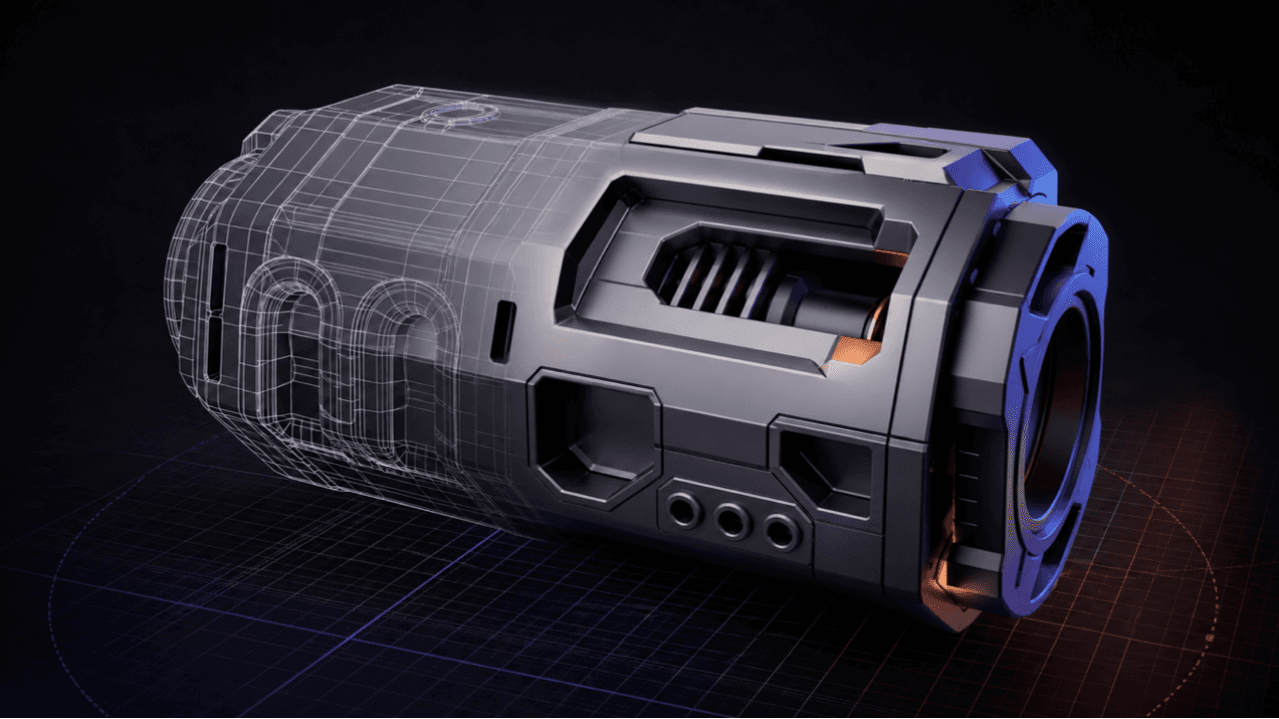
Stop selecting one edge at a time and use loop, ring, and boundary selection to speed up structural editing.
Previous lessonObject Mode and Edit ModeNext lessonExtrude: Growing New Structure
Show3D Modeling Tutorial - Intermediate

About this course

Designed for users who have already mastered the basics, this course uses practical projects to explore advanced 3D modeling techniques, including form development, detail refinement, material creation, and scene optimization. You’ll build a more complete modeling workflow while improving both model quality and production efficiency.

