

Buildings, landscapes & places
See the place.
Share the possibility.
Explore buildings, landscapes and city layouts in 3D to develop and share your ideas.
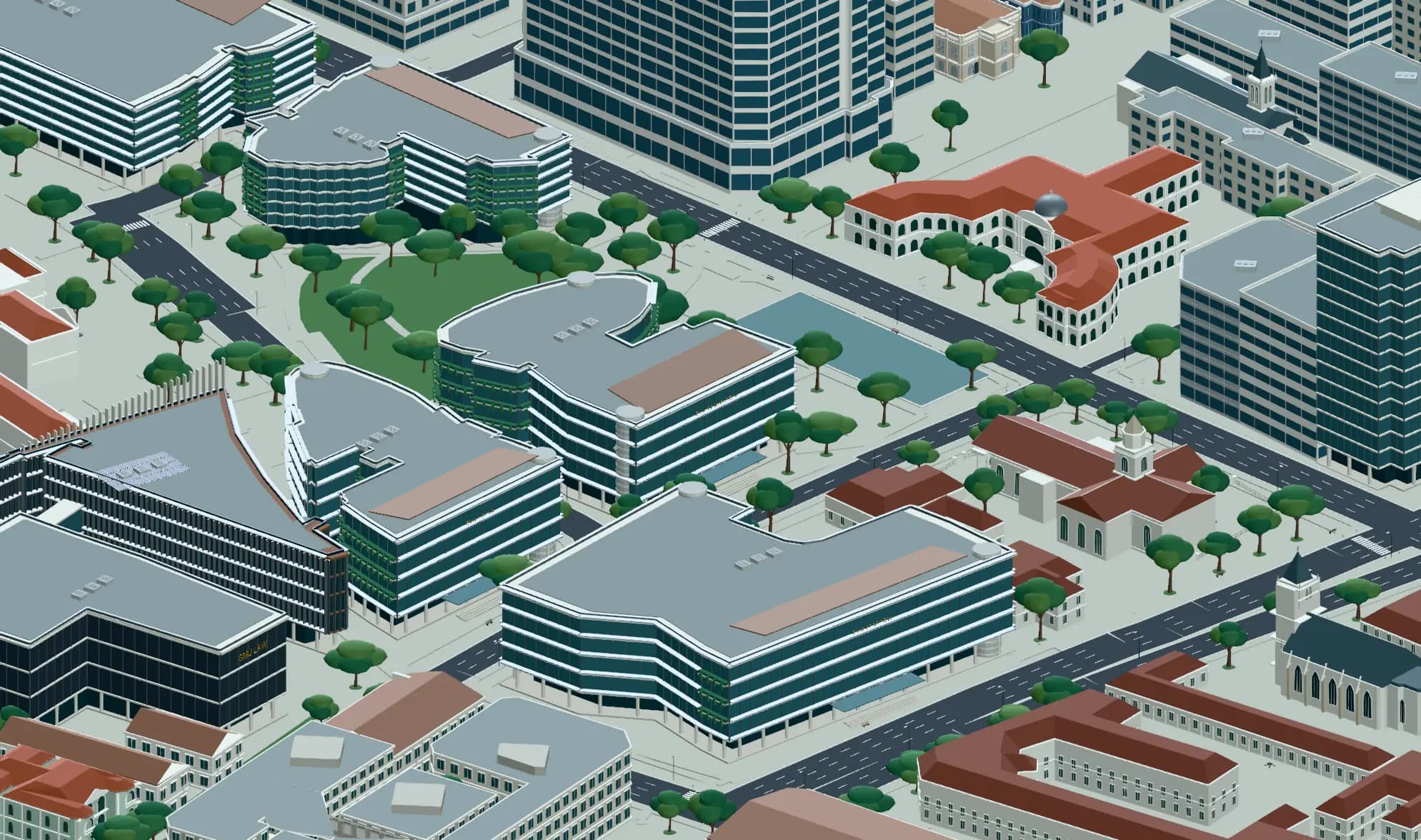
Singapore SMU urban campus
蔷薇 · Community scene
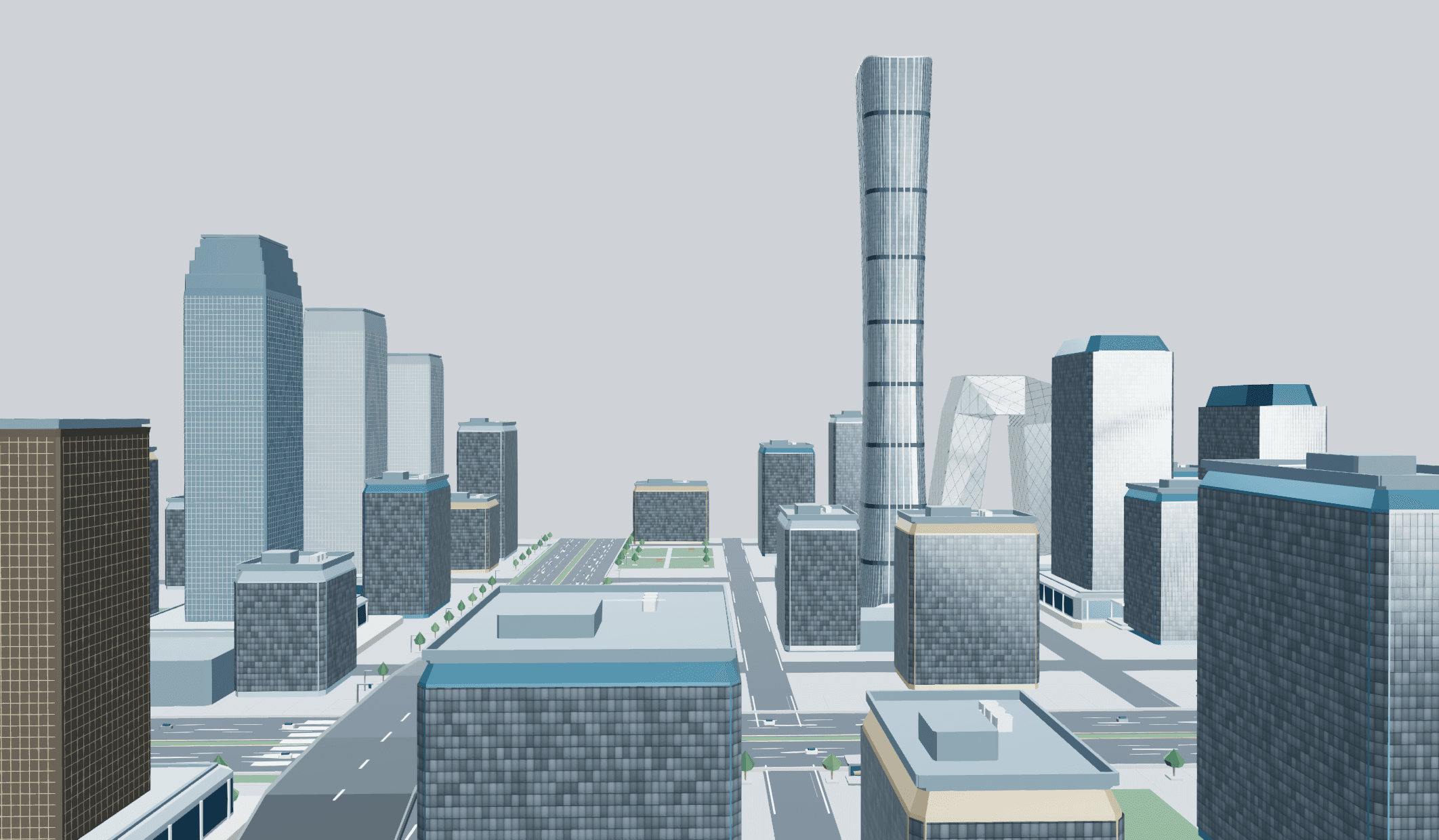
Buildings, routes and open space as one connected place.
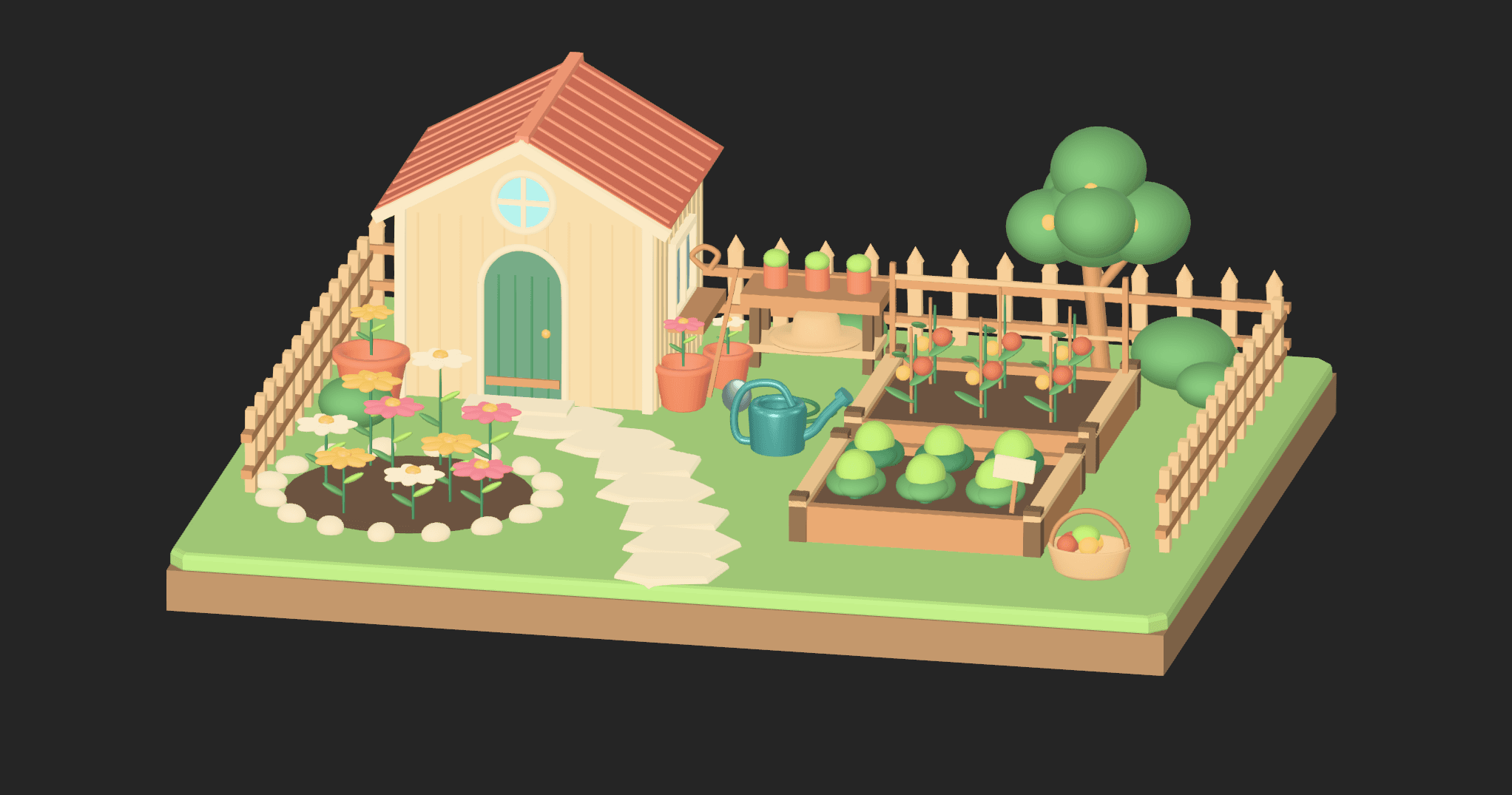
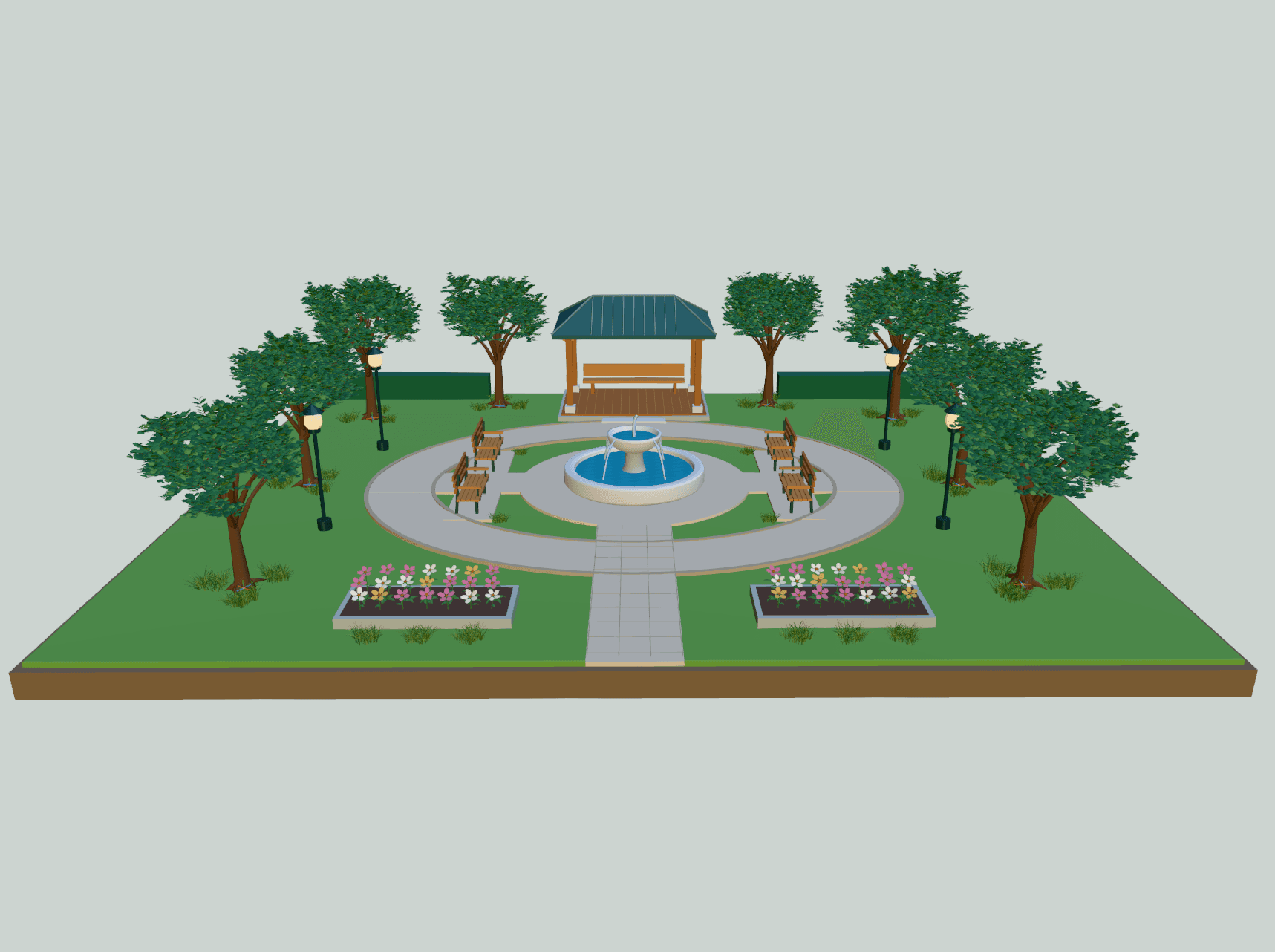
Woodland park
蔷薇 · Community scene
Room for landscape
Let the open space tell a story.
A woodland park adds another scale of place: greenery, paths and places to pause. Compose the relationships before presenting the view.
How it works
A clear path to your version.
- 01
Set the context
Define the site, scale, major buildings and the story the view should communicate.
- 02
Arrange the place
Build massing and landscape groups. Adjust proportions, circulation and composition.
- 03
Present a direction
Set the camera and lighting. Capture design views and keep your scene editable.
What you take forward.
A conceptual site scene, design views, and an editable 3D composition.
Keep an editable site composition and present selected views. BIM data, surveys, engineering and construction documents remain in specialist workflows.
Explore the workflow guidePractical questions
Before you start.
Your next creation
Give your place a point of view.
Describe your idea above, then create it with Agent in the editor.