

Game concepts & props
Give your world
something to hold.
Create props and small worlds to develop your game ideas before taking them into an engine.
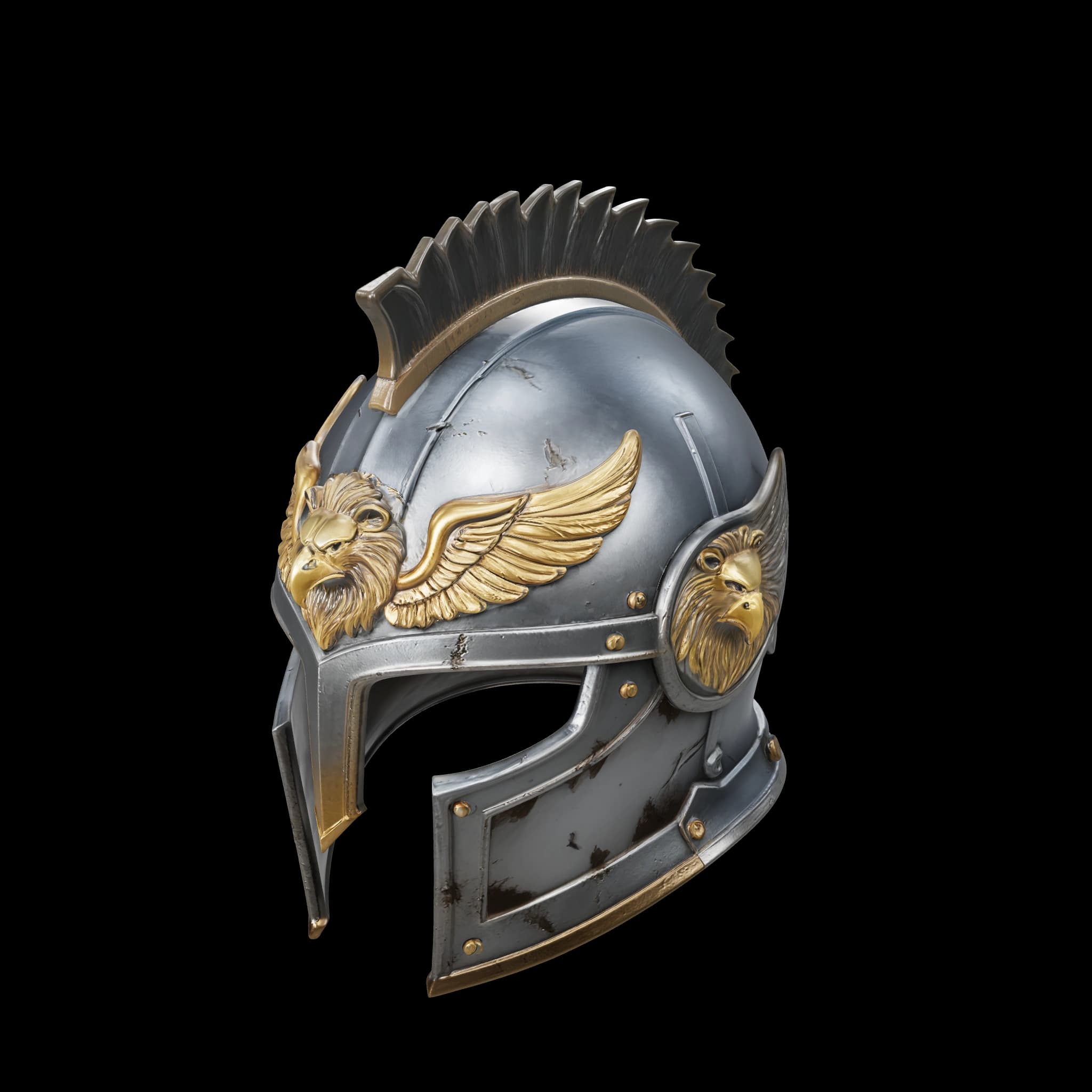
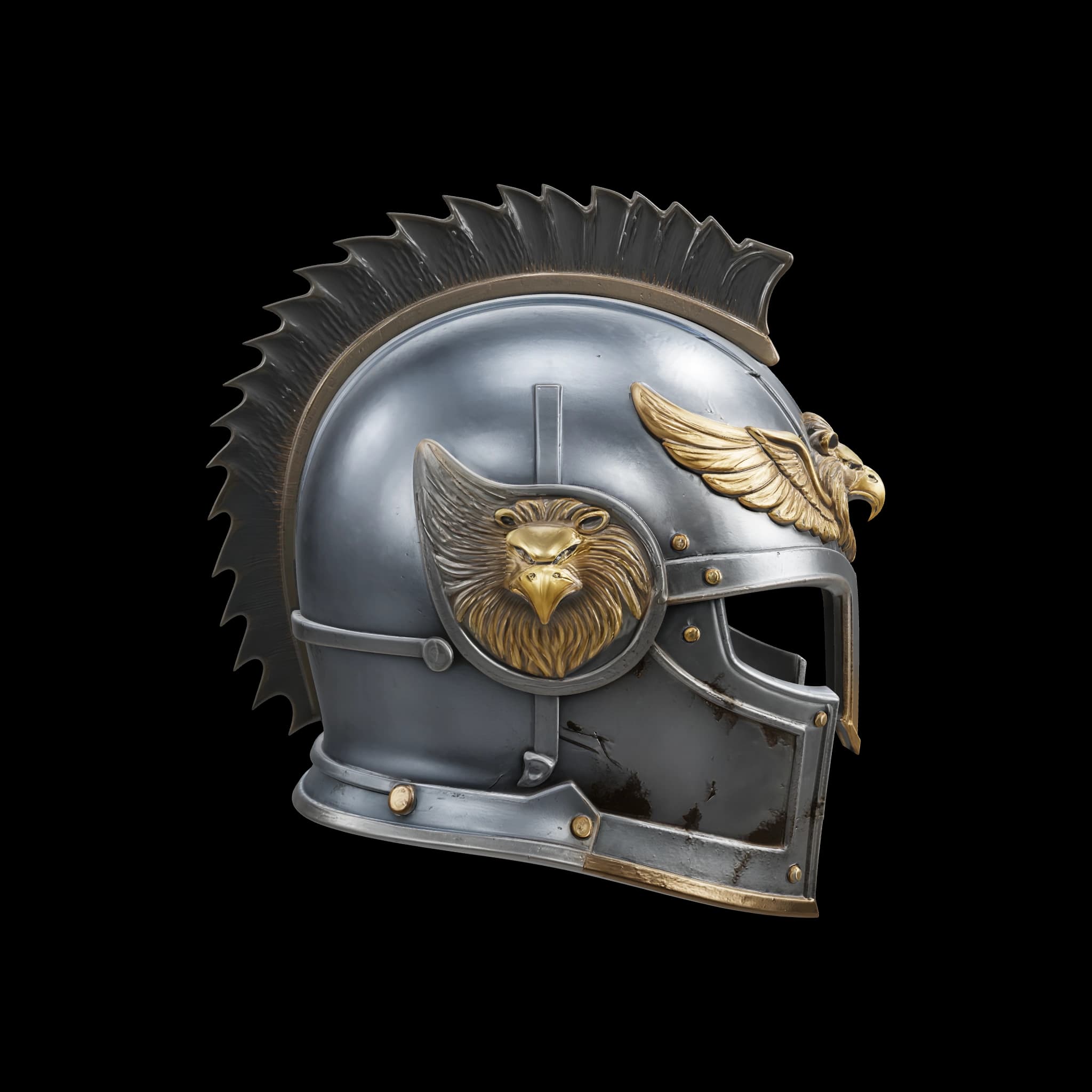
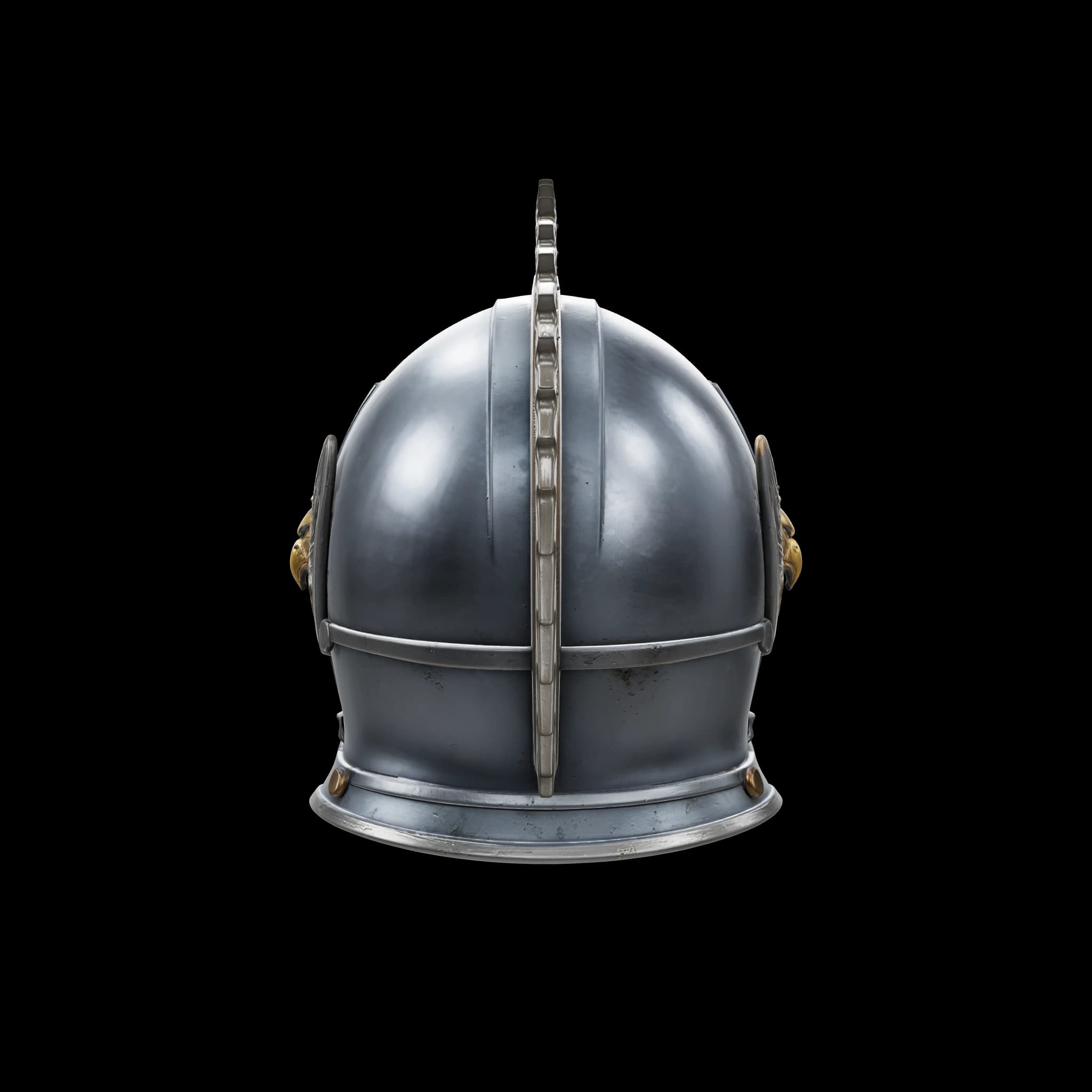
Saved Text to 3D result · Three views of one asset.
From a prop to a place
Give the action a world.
An open center, stepped edges and landmark columns make this environment concept easy to read.
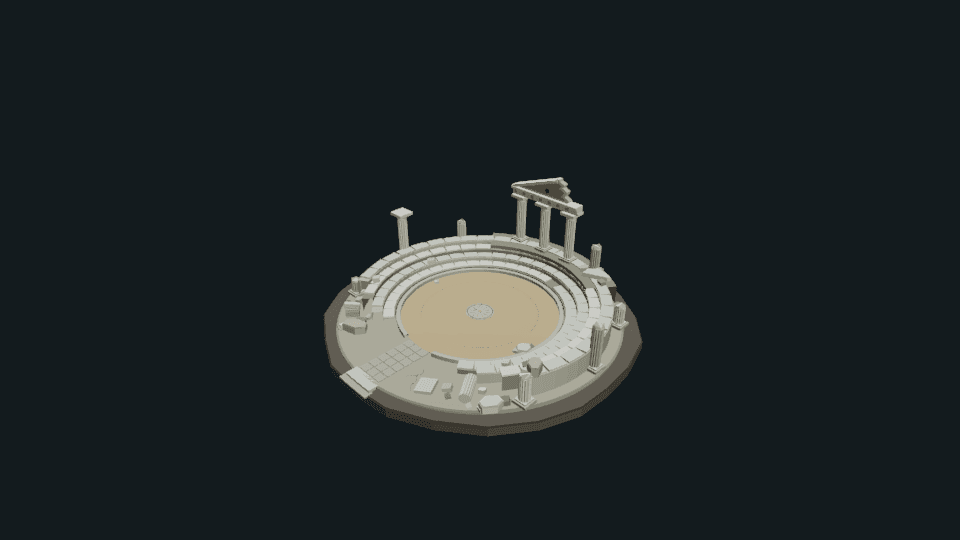
Greek arena concept
蔷薇 · Community scene
A visual setting. Gameplay, navigation, collision and historical accuracy are not established by this scene.
More possibilities
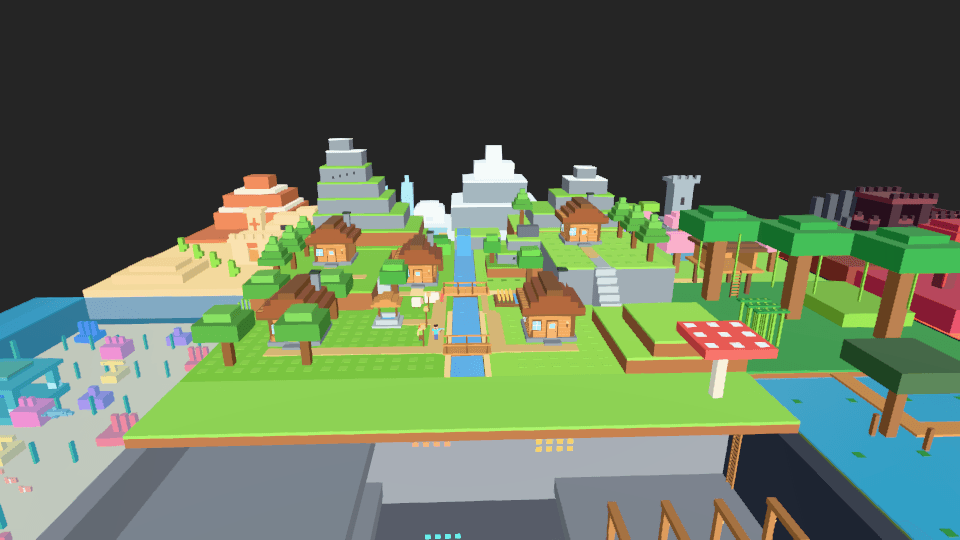
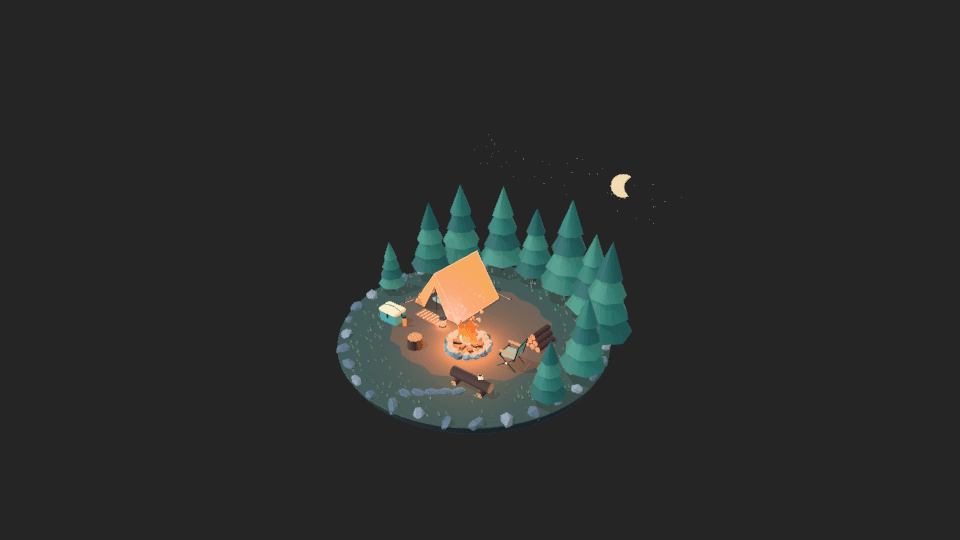
Places with a story to tell.
How it works
A clear path to your version.
- 01
Define the role
Describe scale, style, materials and how the asset will be used. Start with a focused prop.
- 02
Generate and refine
Inspect the mesh, compare views, edit materials, and build a scene around the result.
- 03
Check the handoff
Open the result in your target tools and use the handoff guidance below to prepare it for production.
What you take forward.
A prop or scene concept, preview images, and model files for downstream inspection.
Check topology, UVs, texture density, units, performance and licensing in your target tools. Collision and LODs belong to the engine handoff.
Explore the workflow guidePractical questions
Before you start.
Your next creation
Every world starts with something.
Describe your idea above, then create it with Agent in the editor.