

Keyframes, effects & visual stories
Make the idea
move.
Animate objects and add scene effects to explain a process or bring a story to life.
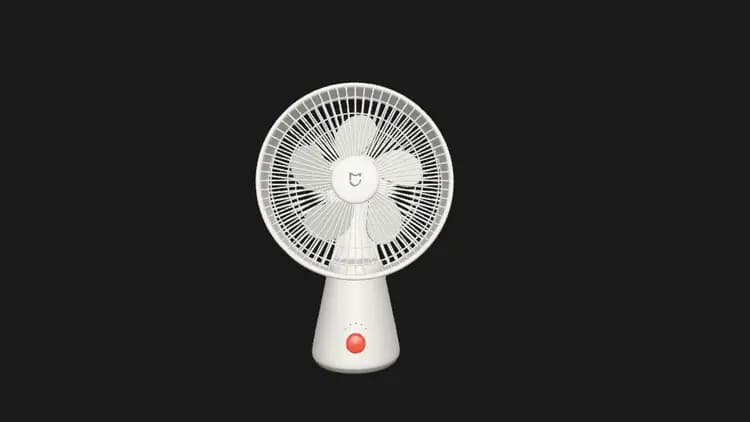
Desktop fan
飞翔 · Saved 16-second community animation
- 01
Button
A press begins the sequence.
- 02
Light
Visible feedback makes the change clear.
- 03
Blades
Coordinated movement completes the story.
Animation and scene effects
Two ways to bring a scene to life.
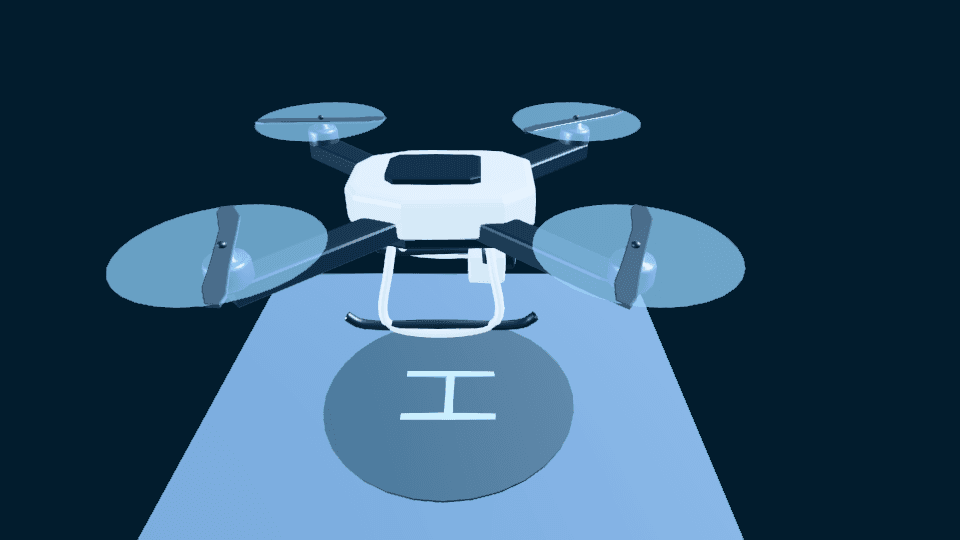
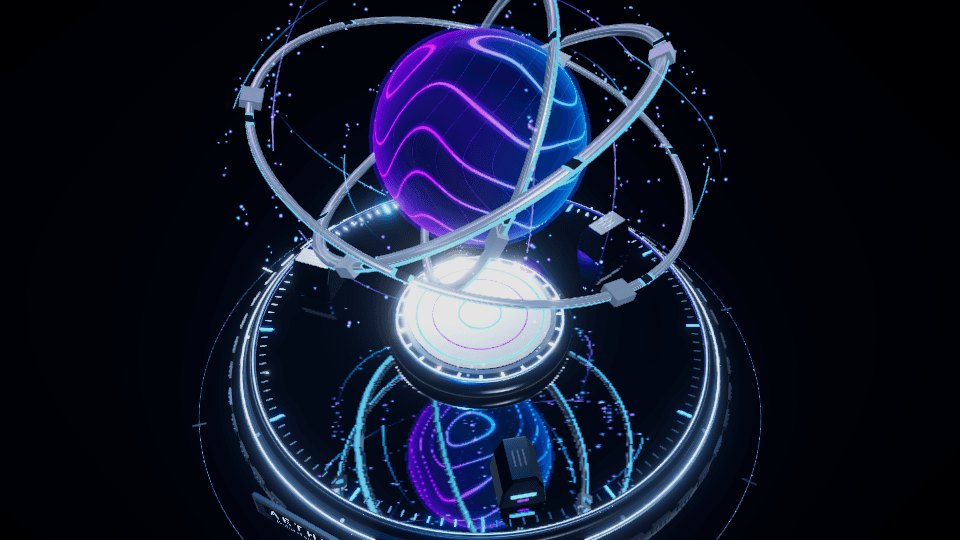
The quadcopter uses keyframe tracks. The energy core stores time-driven effects for flowing light, rings and particles. Open each original scene to explore its approach.
How it works
A clear path to your version.
- 01
Separate the parts
Organize the objects that need to move and choose a clear opening view.
- 02
Set the sequence
Create keyframes, adjust timing and preview how the actions work together.
- 03
Refine and share
Inspect the sequence, save the scene and export supported animation in GLB/glTF.
What you take forward.
An editable Show3D scene and supported object animation in GLB/glTF. Scene effects have a separate handoff.
Supported keyframe animation can travel through GLB/glTF. Time-driven effect code needs its own compatibility review; equivalent effects or video export are not established by these examples.
Explore the workflow guidePractical questions
Before you start.
Your next creation
Set your next idea in motion.
Describe your idea above, then create it with Agent in the editor.