


01
Trace an action
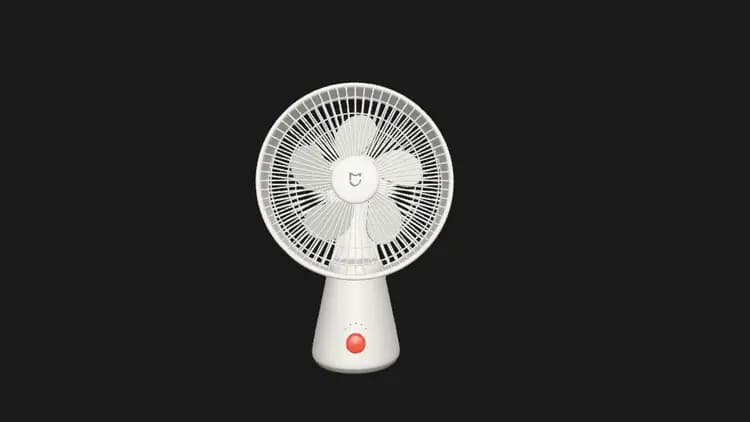
Identify the fan’s moving parts. Describe how the button, light and blades form one sequence.
Explore this sceneDesktop fan · 飞翔
Visual learning & creative practice
Build and explore 3D models to understand ideas, explain mechanisms and learn by making.
Separate the blades, body and button. Follow how an action becomes movement.
Open the related Learn guideThe image is a still illustration. Explore the playable fan example
A useful learning loop
Choose one question and what someone should understand.
Use simple shapes and named parts. Make assumptions explicit.
Change the view, isolate a part or explore a supported animation.
Describe what the model shows, what it simplifies and what to investigate next.
A visual teaching scene, a creative exercise, or a model you can inspect together.
Share a visual teaching scene and an explanation of its assumptions. Check subject accuracy and state where scale, motion or geometry has been simplified.
Explore the workflow guideReady to investigate
Choose an objective, inspect an existing scene, then explain your answer. Check the subject and make simplifications explicit.
01
Identify the fan’s moving parts. Describe how the button, light and blades form one sequence.
Explore this sceneDesktop fan · 飞翔
02
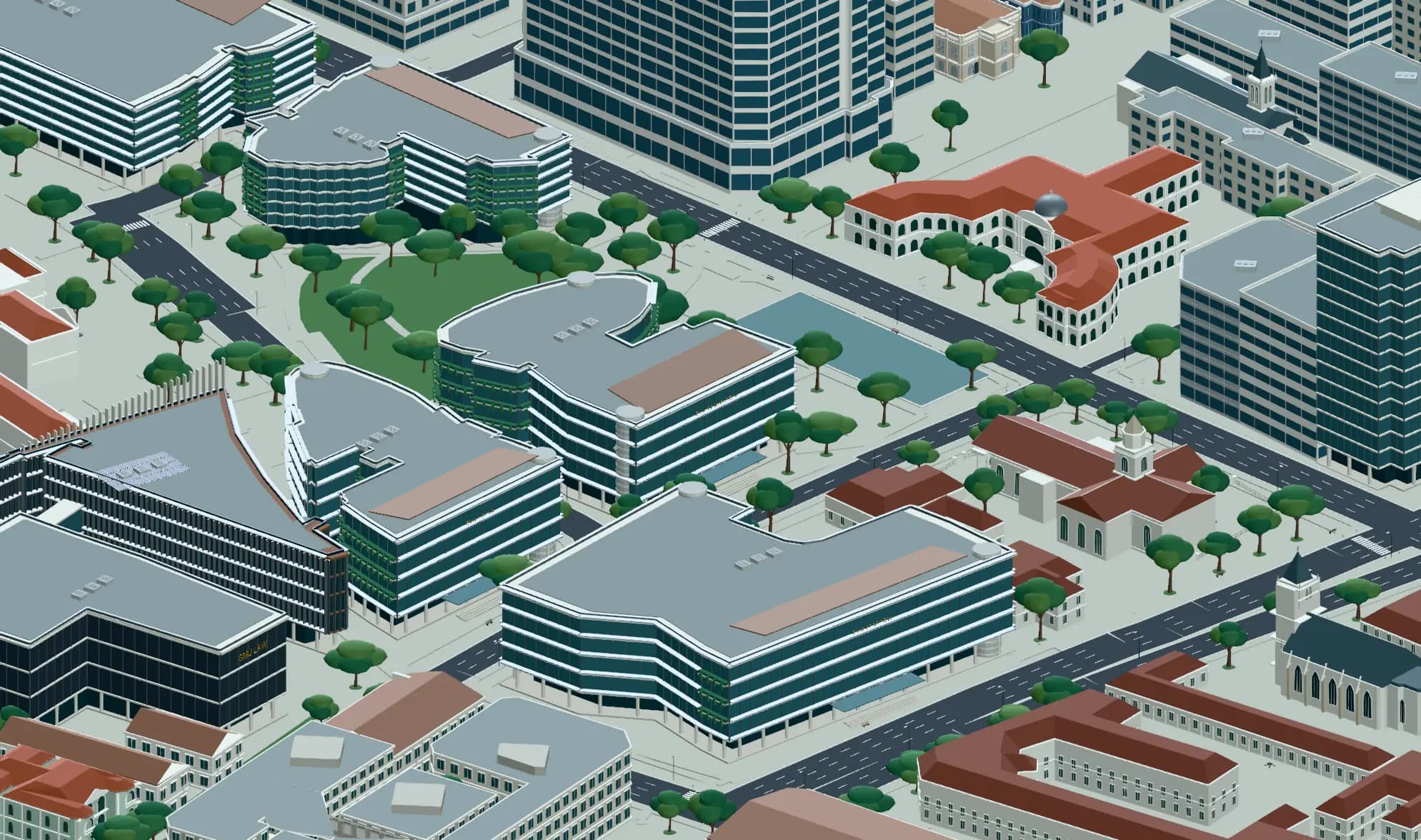
Find a route through the campus. Explain how the buildings and open spaces guide it.
Explore this sceneSingapore SMU urban campus · 蔷薇
03
Describe the robot using three simple shapes. Explain which proportions give it personality.
Explore this sceneMicroduck robot · 飞翔
Practical questions
Your next creation
Describe your idea above, then create it with Agent in the editor.