

Making & prototypingPilot
Imagine it here.
Prepare it to make.
Model a 3D concept, then export it for mesh checks and preparation in your printing tools.
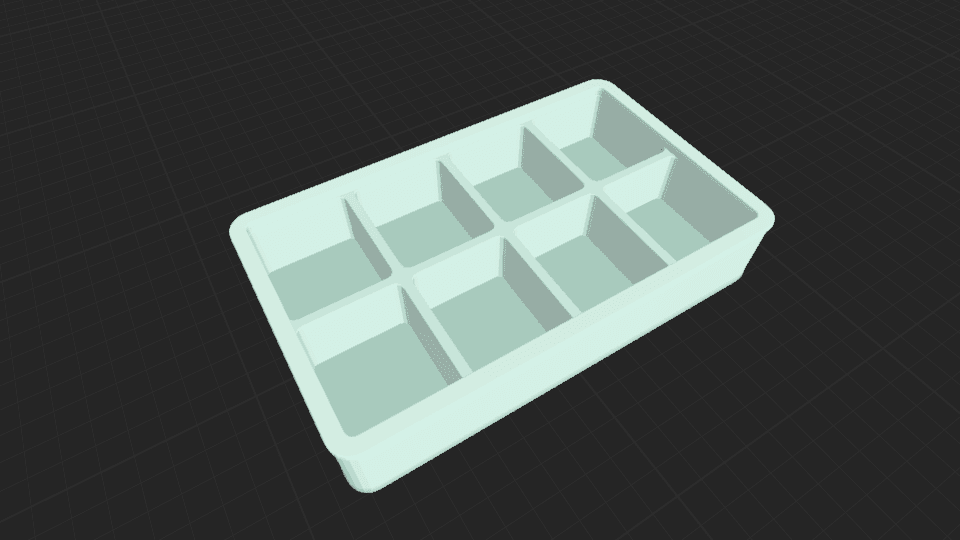
Eight-compartment organizer
蔷薇 · Community scene
A concept workflow requiring external mesh and slicer preparation. This organizer has not been print-validated.
From model to making
The concept is your first step.
- 01
Shape the concept
Explore form, function and approximate dimensions with Agent or modeling tools.
- 02
Export geometry
Choose STL or OBJ from the scene export. Confirm scale in the receiving tool.
- 03
Prepare for printing
Inspect the exported mesh and choose print settings in your slicer. Test the result before relying on fit or strength.
Prepare it in your printing tools.
An editable object concept and geometry exported for downstream preparation.
In your mesh editor and slicer, confirm units, dimensions, closed surfaces, wall thickness and clearances, then orientation, supports and material.
Explore the workflow guidePractical questions
Before you start.
Your next creation
Start with a useful little idea.
Describe your idea above, then create it with Agent in the editor.